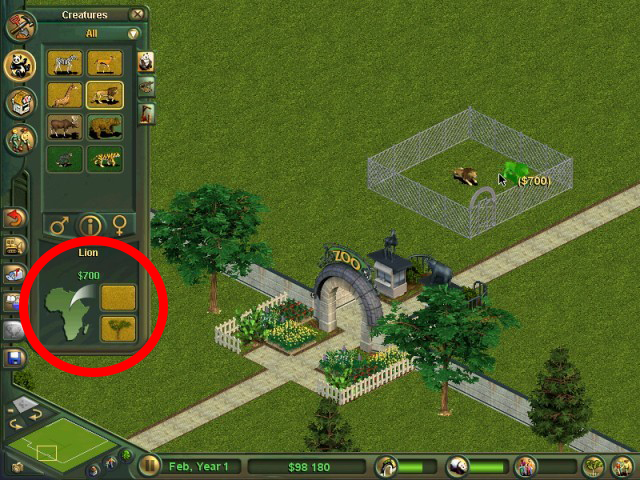
 Tutorial
- Zoo Tycoon 1
- Tools
- Reading time
- 2 min
- Comments
- 0
by Penguinman
To begin, you need to come up with two words/phrases. The first is your File Name hereafter referred to as FN. This is basically what the download is. This could, for instance, be Red Kangaroo, Australia Pack, or Aboriginal Lamp. It simply describes the download. Any place you see FN in the zip you download, put that word or phrase.
The second is UN which stands for User Name. In this spot, you will simply place your user name, for me it would of course be penguinman.
Now, scroll down to the bottom and download the .ZIP file. Extract it into some location where you will build your download file. Begin by changing the name of the first folder that comes out. Then go inside the folder and you will see another folder which you should also rename. Now, rename the .dl file and open it with notepad. Inside there you will find 3 more UN/DN texts to change into their corresponding words/phrases. Finally, place the .z2f file (named DN) into the innermost folder.
To finish, go to that original folder named UN, right click, and add it to a .zip archive named DN.
Tutorial
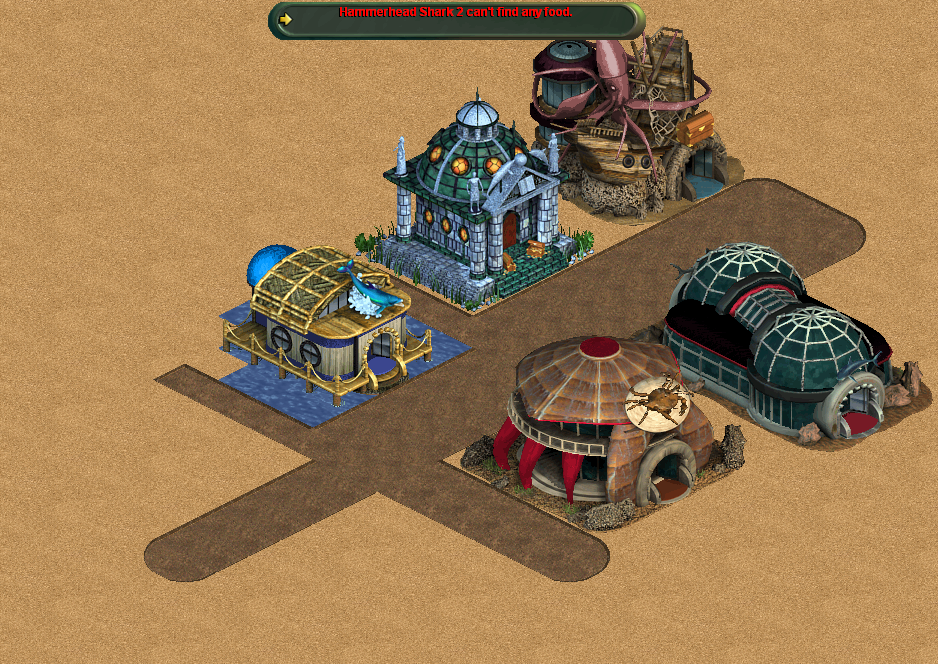 Tutorial
by finnethen
OpenZT modding extends and simplifies the capabilities of vanilla Zoo Tycoon modding with an end goal of being able to mod all aspects of Zoo Tycoon and add custom scripts.
Comments 0
Log in to join the conversation.
No comments yet.