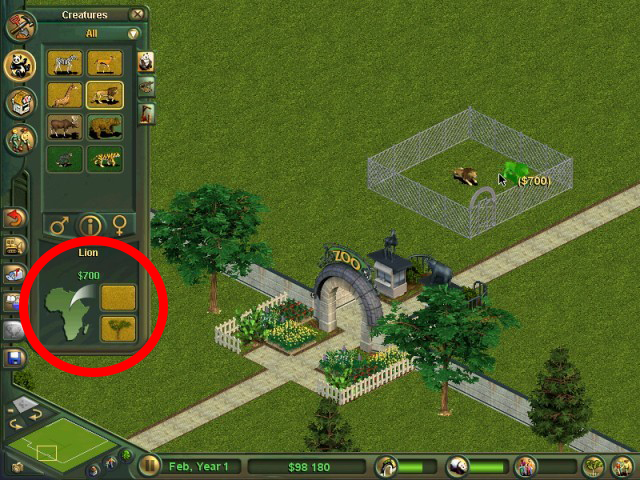
 Tutorial
- Zoo Tycoon 1
- Tools
- Reading time
- 2 min
- Comments
- 0
by ShenTirag
A few of you have asked about this, so I have worked it out for you. Open up the main ai xml, and look for the placement information. It should look something like this:
<ZTPlacementData waterPlacement="false" autoFootprint="false"  icon3Doffset="0 -0.089795 0.316138" icon3Dscale="0.1">
</ZTPlacementData>
What you need to do is split the PlacementData in half, so it looks more like this:
<ZTPlacementData waterPlacement="false" autoFootprint="false">
</ZTPlacementData>
<ZTPlacementData icon3Doffset="0 -0.089795 0.316138" icon3Dscale="0.1">
</ZTPlacementData>
The water placement and footprint data must be in one set, and the icon3D data must be in the other. This confuses the game’s footprint data and makes it free from snapping to the grid. Keep the icon3D numbers the same as for your base object, otherwise you will have a huge/tiny object in the preview window for your object. This works for foliage and scenery objects.
Tutorial
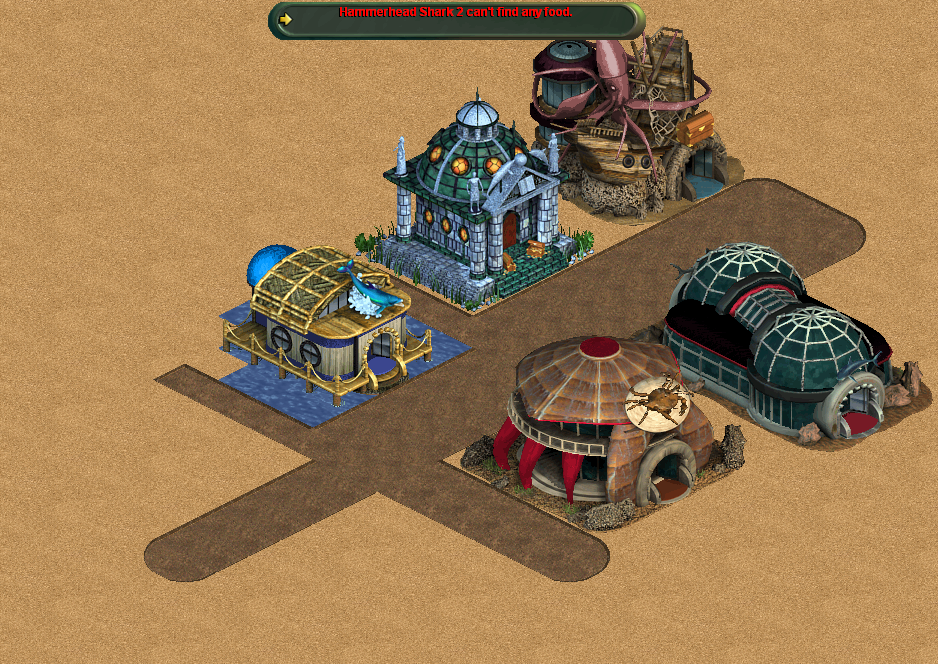 Tutorial
by finnethen
OpenZT modding extends and simplifies the capabilities of vanilla Zoo Tycoon modding with an end goal of being able to mod all aspects of Zoo Tycoon and add custom scripts.
Comments 0
Log in to join the conversation.
No comments yet.